
'%3e%3cpath%20d='M24%200C10.7453%200%200%2010.7453%200%2024C0%2035.255%207.74912%2044.6995%2018.2026%2047.2934V31.3344H13.2538V24H18.2026V20.8397C18.2026%2012.671%2021.8995%208.8848%2029.9194%208.8848C31.44%208.8848%2034.0637%209.18336%2035.137%209.48096V16.129C34.5706%2016.0694%2033.5866%2016.0397%2032.3645%2016.0397C28.4294%2016.0397%2026.9088%2017.5306%2026.9088%2021.4061V24H34.7482L33.4013%2031.3344H26.9088V47.8243C38.7926%2046.3891%2048.001%2036.2707%2048.001%2024C48%2010.7453%2037.2547%200%2024%200Z'%20fill='black'/%3e%3c/g%3e%3cdefs%3e%3cclipPath%20id='clip0_1062_940'%3e%3crect%20width='48'%20height='48'%20fill='white'/%3e%3c/clipPath%3e%3c/defs%3e%3c/svg%3e)
'%3e%3cpath%20d='M44.4469%200H3.54375C1.58437%200%200%201.54688%200%203.45938V44.5312C0%2046.4437%201.58437%2048%203.54375%2048H44.4469C46.4062%2048%2048%2046.4438%2048%2044.5406V3.45938C48%201.54688%2046.4062%200%2044.4469%200ZM14.2406%2040.9031H7.11563V17.9906H14.2406V40.9031ZM10.6781%2014.8688C8.39062%2014.8688%206.54375%2013.0219%206.54375%2010.7437C6.54375%208.46562%208.39062%206.61875%2010.6781%206.61875C12.9563%206.61875%2014.8031%208.46562%2014.8031%2010.7437C14.8031%2013.0125%2012.9563%2014.8688%2010.6781%2014.8688ZM40.9031%2040.9031H33.7875V29.7656C33.7875%2027.1125%2033.7406%2023.6906%2030.0844%2023.6906C26.3812%2023.6906%2025.8187%2026.5875%2025.8187%2029.5781V40.9031H18.7125V17.9906H25.5375V21.1219H25.6312C26.5781%2019.3219%2028.9031%2017.4188%2032.3625%2017.4188C39.5719%2017.4188%2040.9031%2022.1625%2040.9031%2028.3313V40.9031Z'%20fill='black'/%3e%3c/g%3e%3cdefs%3e%3cclipPath%20id='clip0_1062_932'%3e%3crect%20width='48'%20height='48'%20fill='white'/%3e%3c/clipPath%3e%3c/defs%3e%3c/svg%3e)
OBD Connection (BLE): Get Live Data in ABRP
How to choose a BLE OBD dongle, connect safely, and troubleshoot common issues.

Bo Lincoln
General Manager
“Founder of ABRP, PhD from Lund University and MS from Stanford, leading EV software innovation.”
For supported vehicle models, ABRP can connect over Bluetooth Low Energy (BLE) to a user-installed OBD dongle. This gives ABRP real-time state of charge (SoC) and other vehicle signals while you drive—helping your plan stay accurate, adaptive, and personalized.
Use a BLE (not classic Bluetooth) OBD dongle to stream live SoC and vehicle data into ABRP. Pair safely, don't leave insecure dongles plugged in unattended, and use live data to keep plans adaptive and calibrate more accurate consumption.
Security warning (read this first)
Most OBD BLE dongles have limited security. Many will accept connections from nearby devices—sometimes at any time. That means a low-quality dongle can become an unwanted entry point. This is not specific to ABRP, it's a general limitation of many dongles. Best practice: do not leave the dongle connected when you're away from the car, and prefer devices that restrict pairing windows or require a physical button.
Why live data matters
With live data, ABRP can continuously update your route in the background as conditions change. If you consume more energy than expected, ABRP can propose earlier or different charging stops. Premium members also benefit from plan updates that consider traffic, weather, and charger availability forecasts. Live data via OBD is also detailed enough to calibrate a personalized consumption model—so ABRP learns your real-world setup (wheels, roof box, trailer, driving style) over time.
Choosing an OBD BLE device
The OBD dongle market is a jungle—compatibility can vary by car model, phone model, and even firmware version. One hard requirement: the device must use Bluetooth Low Energy (BLE), not classic Bluetooth. If possible, prefer dongles that limit pairing availability or have a physical pairing button. If your device supports firmware updates, keep it updated.
How to connect your OBD dongle in ABRP
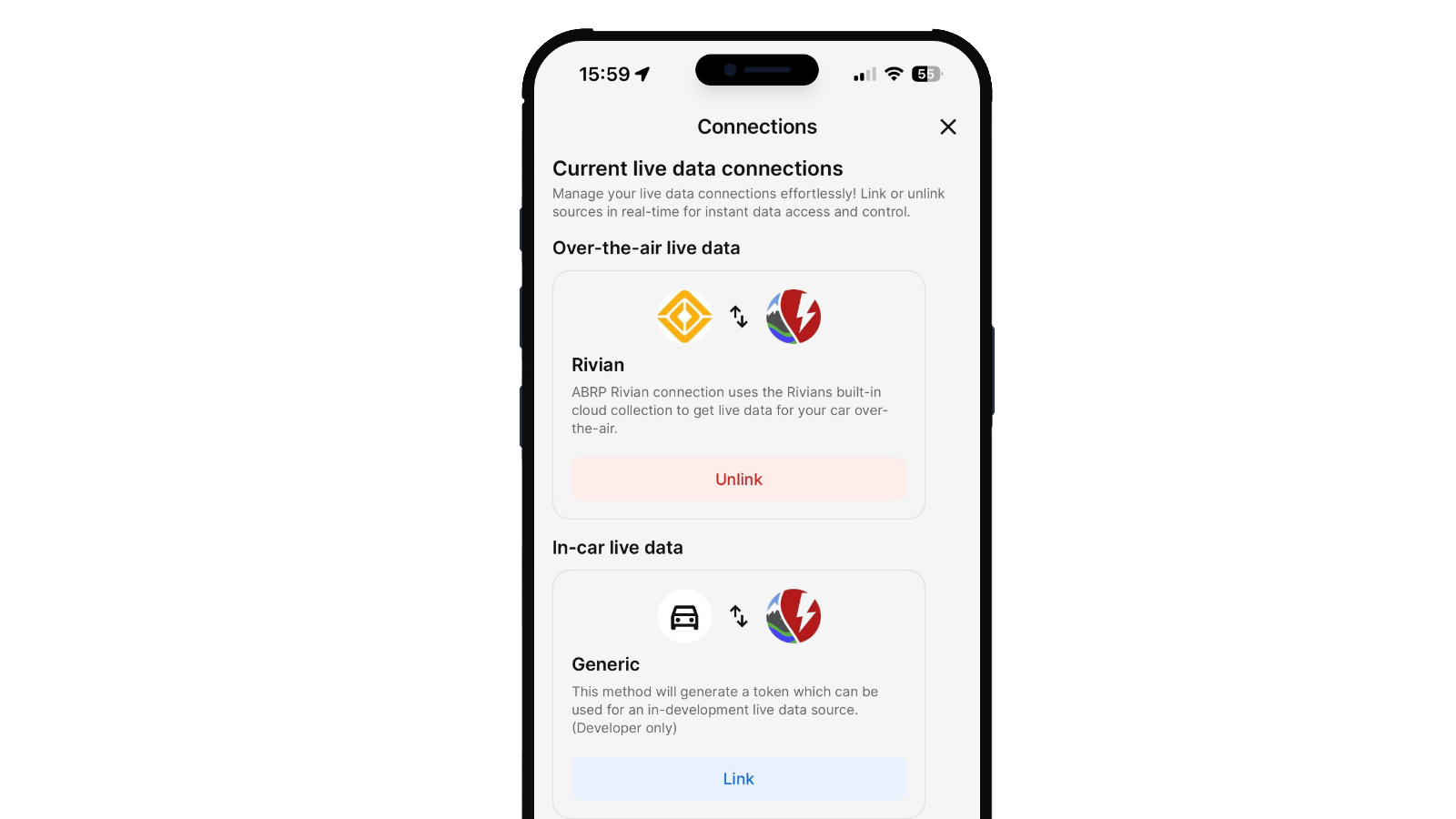
In the ABRP app (iOS or Android), go to Settings → Car model. Select your vehicle model (or pick a new one), then open Live data and choose the OBD/BLE option if available for your model. Follow the in-app pairing flow and make sure Bluetooth permissions are enabled. Tip: the car should be on when pairing, and some dongles behave better after unplugging/replugging once.
Troubleshooting
If your dongle doesn't show up, verify BLE (not classic Bluetooth), confirm ABRP has Bluetooth permissions, ensure the dongle is powered (car on), and try again a few times. If it still fails, the dongle may be incompatible with your phone or your vehicle model. Also make sure the dongle isn't simultaneously connected to another app (some dongles only allow one active connection).
Not recommended devices
We've received reports of poor experiences with some models. Examples include Veepeak OBDCheck BLE and OBDeleven. If you use a different device and discover reliable pairing/security behavior, we'd love to hear about it.